Pdf to Brainrot: When Your PDF Needs a Pulse Not Another Highlight Color
6 months ago 607

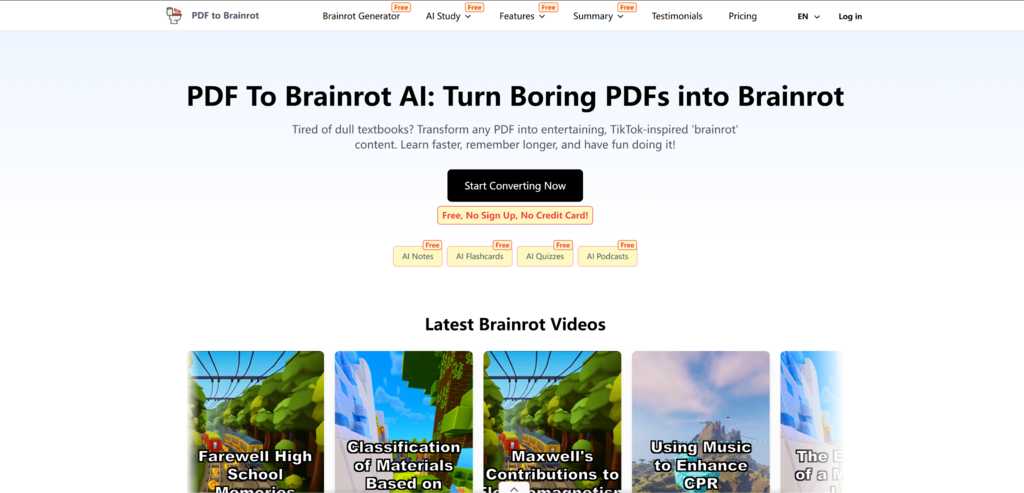
You’ve probably done the “responsible” thing: open the PDF, promise yourself you’ll read every page, then somehow end up re-reading the same paragraph three times while your brain quietly exits the room. That gap — between what you planned and what your attention can realistically sustain — is exactly where short-form, high-salience study content starts to make sense.
In my own late-night cram sessions, I’ve found that turning “static text” into “something that moves” can be the difference between starting and stalling. That’s why I started experimenting with Pdf to Brainrot — not as a miracle replacement for real studying, but as a way to lower the friction of getting into the material, especially when motivation is low and the PDF is brutally dense.
“Brainrot” is a messy word, but in practice it often describes a familiar format: TikTok-style pacing, snackable segments, and visuals that keep your attention from drifting.
In a study context, the promise is simple:
Instead of forcing your brain to stay awake inside long paragraphs, you let the format carry some of that cognitive load for you.
At a practical level, pdf to brainrot ai tools follow a consistent flow:
What impressed me most wasn’t the automation — it was the reframing. Dense material becomes something you can enter, not just stare at.
Pdf to Brainrot offers different output styles, depending on how you want to engage:
I found myself switching between them depending on my mental state. When I was tired, Brainrot Mode helped me start. When I wanted to check my understanding, Quiz Mode was more useful. Raw Mode worked best when I already felt focused.
Reading a PDF often feels like pushing a heavy cart uphill.
Watching a brainrot-style recap feels like the cart is already rolling — you just steer it.
That doesn’t mean the work disappears. I still paused, rewound, and went back to the source for nuance. But instead of fighting to begin, I was already inside the content — and that changed the whole experience.
| Aspect | Re-reading PDFs | Generic Summaries | |
| Start friction | Medium | Medium | Low |
| Attention holding | Low | Medium | High |
| Format | Static text | Static text | Video + voice + rhythm |
| Best for | Deep reference | Quick overview | Engagement + momentum |
| Recall support | Low | Medium | Quiz Mode built-in |
| Main risk | Zoning out | Over-compression | Overspeeding nuance |
Those still need pen, paper, and time.
The results depend heavily on the input quality. A messy PDF produces a messy output.
Sometimes the first generation misses nuance or structure, and a second pass is needed.
And while the visuals are engaging, they can occasionally oversimplify — which is why I always treat the output as a guide, not an authority.
Pdf to brainrot tools don’t replace studying.
They change how easy it is to begin studying.
They turn the question from “Can I force myself to read this?” into “Can I press play and see what this is about?”
And surprisingly often, that small shift is enough to get you started — which, in real learning, is usually the hardest part.
Comments (0)